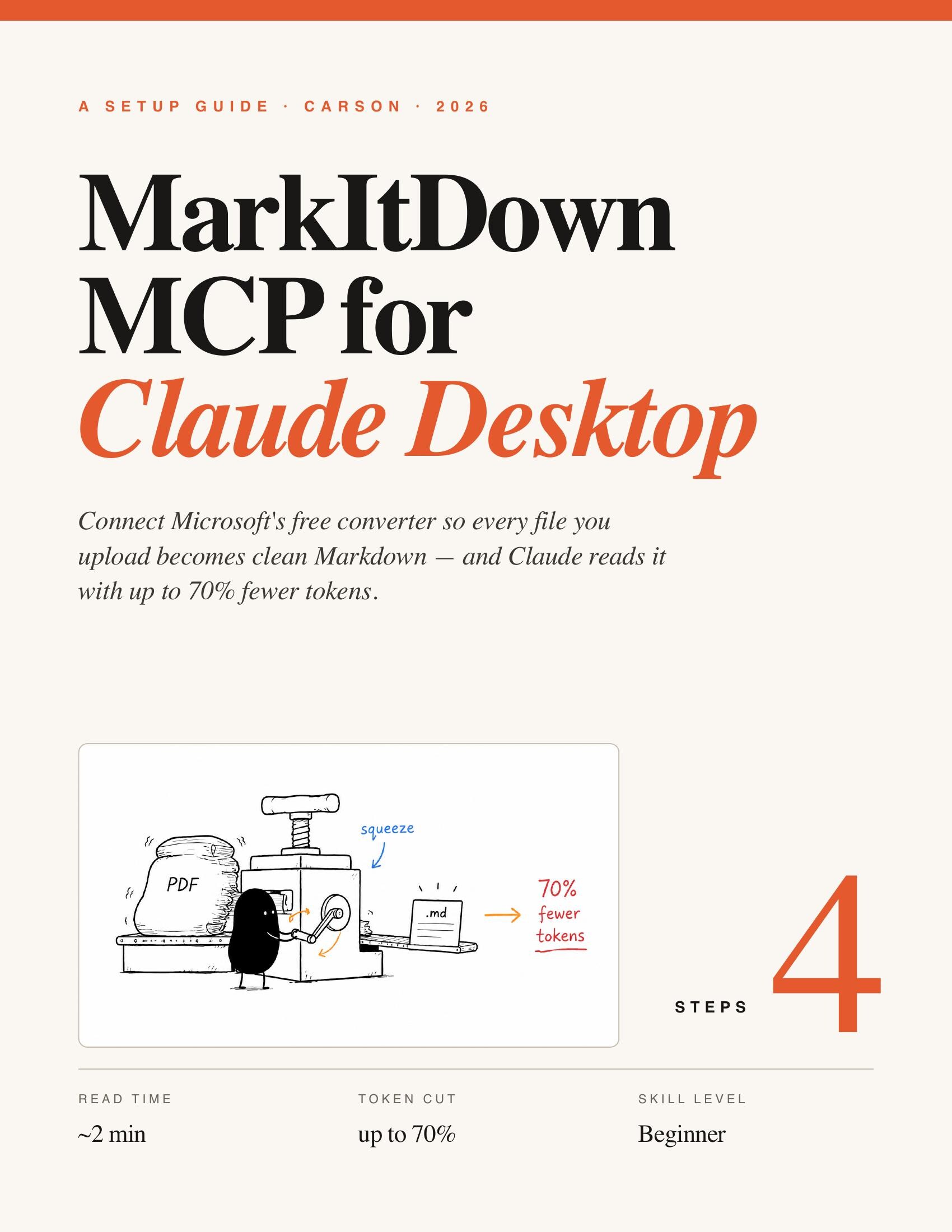
Every file you upload to Claude is read raw — formatting, broken tables, and image junk and all — and that quietly wastes your tokens. MarkItDown is Microsoft's free converter that turns any file into clean Markdown first, so Claude reads less and answers better. It bolts onto Claude Desktop as an MCP server in about two minutes, no code. Estimated read: ~2 minutes.
What you'll have at the end
- Every uploaded file — PDF, Word, Excel, PowerPoint, images, even YouTube links — auto-converts to clean Markdown.
- Up to 70% fewer tokens per document, so longer files fit and cost less.
- Better answers — Claude was trained on millions of Markdown files and reads the format natively.
- A one-time, ~2-minute setup. No subscription, no code.
Total setup time: ~2 minutes, beginner-friendly.
Before you start
Three things, all free. This is a beginner setup — nothing to compile.
| What | Why you need it | Where |
|---|---|---|
| Claude Desktop | The desktop app (not the web) is what runs MCP servers | claude.ai/download |
| Python 3.10+ | uv and MarkItDown run on it | python.org |
| A terminal | To paste two install commands | Terminal (Mac) / Command Prompt (Win) |
Tip — on Windows, tick "Add Python to PATH" in the Python installer. It prevents the single most common error later.
Read this first
Fully quit Claude Desktop — closing the window isn't enough.
The one rule: Fully quit Claude Desktop after editing the config (
Cmd/Ctrl + Q), then reopen it. The MCP server only starts on a clean launch — closing the window doesn't reload it.
Two smaller things quietly break the setup too: a mistyped config and a stale terminal. Paste the JSON block exactly — one stray comma or quote and Claude won't start the server. And if a command comes back "not found," open a fresh terminal so the new PATH is picked up.
Step 01 — Install Python & uv
MarkItDown runs through uv, a fast Python tool runner. Get Python first, then uv.
A. Install Python 3.10 or newer. Download the installer from python.org and run it (Windows: tick "Add Python to PATH"). Confirm it worked:
> python3 --version
Python 3.12.3
B. Install the uv package manager. Open your terminal and paste the line for your OS:
# macOS / Linux
> curl -LsSf https://astral.sh/uv/install.sh | sh

# Windows (PowerShell)
> powershell -c "irm https://astral.sh/uv/install.ps1 | iex"
Step 02 — Add MarkItDown to Claude Desktop
One small config block tells Claude Desktop to launch the converter.
A. Open the config. In Claude Desktop, click the Claude menu (top-left) → Settings → Developer, then click Edit Config.
B. Paste this exact block. Replace everything in claude_desktop_config.json with the block below, then save and close.
{"mcpServers":{"markitdown":{"command":"uvx","args":["markitdown-mcp"]}}}Step 03 — Restart Claude Desktop
The server only loads on a fresh launch.
A. Fully quit, then reopen. Quit the app completely — Cmd/Ctrl + Q, not just the window's close button — then open it again. MarkItDown is now connected.
Step 04 — Test it
Prove it works in ten seconds.
A. Drop a file into the chat. Attach a PDF or Word doc. MarkItDown converts it to clean Markdown before Claude reads it, so you get tighter, cheaper answers. That's it — every file you upload now arrives as Markdown.
Tip — reopen Settings → Developer any time to confirm markitdown is listed as a running server.
Tips & tricks
| Trick | Why it works |
|---|---|
| It's not just PDFs | Word, Excel, PowerPoint, images (OCR), audio, and YouTube links all convert too. |
| Feed it the big files | 70% fewer tokens means long PDFs that used to overflow now fit in context. |
| No special prompt | Conversion happens automatically on upload — just attach the file and ask. |
Common gotchas
"uvx: command not found" — uv isn't on your PATH yet. Close the terminal and open a new one; if it persists, re-run the uv install line for your OS.
MarkItDown isn't in the menu — you didn't fully quit Claude Desktop. Press
Cmd/Ctrl + Qand reopen — closing the window doesn't reload MCP servers.
Claude won't start after editing the config — the JSON is malformed. Paste the exact block from Step 2; a single stray comma or quote breaks it.
That's the whole setup. Now every file you hand Claude arrives as clean Markdown — fewer tokens, better answers, two minutes of work.